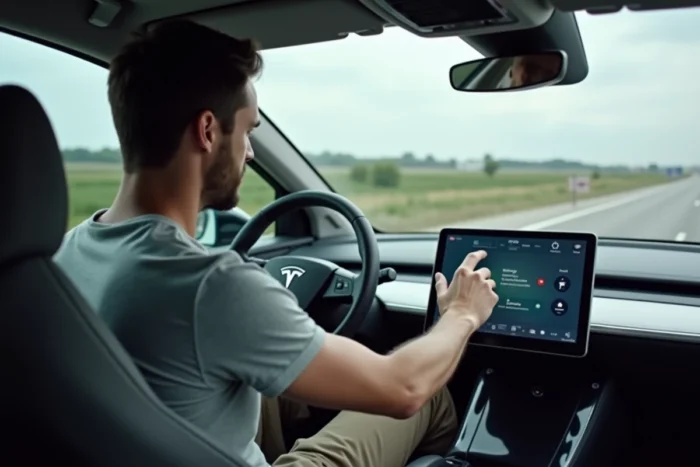
Since July 7, 2026, phase 3 of the European GSR2 regulation requires all newly registered vehicles to have an active driver attention monitoring system and an emergency automatic braking system capable of detecting pedestrians and cyclists. This regulatory framework changes the very nature of activation: autonomous driving aids are no longer an option to purchase, but standard equipment to be configured.
The question is no longer whether your vehicle has it, but how to configure it correctly.
Configuring the Driver Monitoring System After Delivery
On vehicles delivered after July 2026, the driver attention monitoring camera is installed behind the steering wheel. It analyzes the direction of gaze and head position to trigger alerts in case of prolonged inattention.
This system operates by default, but its sensitivity thresholds and alert modes (auditory, visual, steering wheel vibration) can be adjusted in the central screen’s driving assistance menu. Depending on the manufacturers, access to these settings is found under different titles: “Driver Assistance,” “Active Safety,” or “ADAS.”
The driver monitoring system conditions access to other aids. If the system detects that you are not looking at the road, it gradually disables the adaptive cruise control and lane-keeping assist.
Before attempting to activate anything else, you must ensure that this module is calibrated for your usual driving position. On some models, recalibration occurs automatically after a few minutes of driving. Others require a manual procedure via the “Interior Camera Settings” menu.
For those who wish to discover autonomous driving on Been Online, the process of familiarizing oneself with these settings is the first concrete step before any road use.
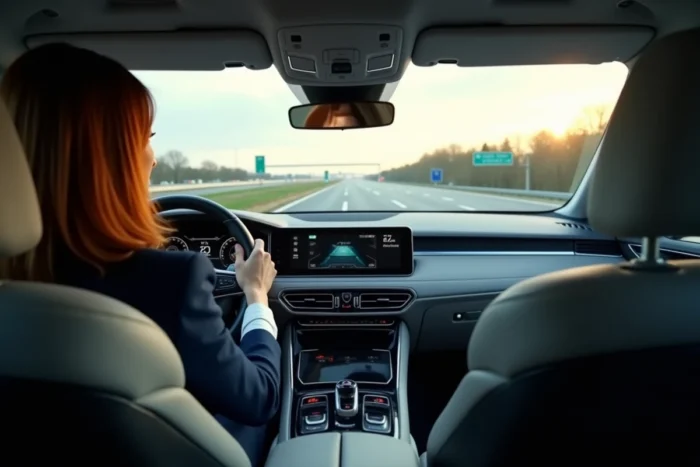
Activating Adaptive Cruise Control and Lane Keeping on Touchscreen
Once the driver monitoring is operational, the two basic functions of semi-autonomous driving become accessible: adaptive cruise control and lane centering.
Adaptive Cruise Control: Setting the Following Distance
The adaptive cruise control maintains a set speed while automatically adjusting the distance to the vehicle ahead. Activation is usually done by pressing the control on the steering wheel (dial or left lever, depending on the manufacturer), followed by setting a target speed on the touchscreen or directly via physical controls.
The following distance is adjustable in several levels, often from one to four. The shortest level is suitable for dense urban traffic, while the longest is for highways. This setting is found in the sub-menu of the cruise control, not in the vehicle’s general settings.
Lane Centering: Operating Conditions
Lane keeping (sometimes called “Autosteer” or “Lane Centering”) only activates if the system detects sufficiently visible road markings. On a degraded or under-construction road, the function automatically deactivates and returns full control to the driver.
To activate this function, you generally need to engage the adaptive cruise control first, then perform a second action: double press on the lever, long press on a dedicated button, or confirmation on the touchscreen. The activation order is always the same: cruise control first, centering next.
Difference Between Mandatory Aids and Higher-Level Autonomous Driving Options
The GSR2 regulation makes level 1 and 2 systems mandatory according to SAE classification. The driver remains responsible at all times. Higher-level functions (3 and beyond) adhere to a completely different framework.
- Level 2 systems (adaptive cruise control + lane keeping) require the driver to keep their hands on the wheel and eyes on the road. Any inattention triggers alerts and then deactivates the system.
- Level 3 systems, like some options offered by German manufacturers on highways, allow the driver to divert their gaze under certain strict conditions (limited speed, clearly marked lane). Their activation requires specific country approval and a software subscription.
- Level 4 systems, undergoing massive testing since 2026 according to UN rules, must demonstrate a safety level equivalent to that of a competent human driver before being authorized. For users, their activation is conditioned on a specific usage domain (geographical area, type of road, time slot) clearly displayed in the vehicle’s interface.
Field feedback varies on this point: some drivers report that level 3 functions deactivate without apparent reason in areas that are compatible. The reliability of the onboard high-definition mapping plays a direct role in the actual availability of these functions.
Software Updates and Remote Activation of New Functions
On many recent vehicles, activating autonomous driving functions goes through OTA (over-the-air) updates. The manufacturer pushes a new software version, and previously locked functions become accessible in the vehicle menu.
An update does not mean automatic activation. After installation, the driver often has to accept new usage conditions on the touchscreen, then manually activate each function in the settings. Some updates require the vehicle to be parked, connected to Wi-Fi, and plugged into a power source.
The Tesla case illustrates this logic well: the basic Autopilot can be activated from the vehicle’s touchscreen or from the mobile app. Advanced functions (Full Self-Driving) require a separate purchase or subscription, followed by a software activation that can take several hours after payment.
Other manufacturers adopt a similar model. The trend in the automotive market is towards vehicles where the hardware is identical but the software functions vary according to the level paid. Activation then occurs via a code or remote unlocking, without physical intervention in the workshop.
The European regulatory framework now governs these practices: a system sold as a level 2 driving aid cannot be reclassified as level 3 by a simple update without new approval. This technical constraint limits what manufacturers can actually unlock remotely, even if the onboard hardware would theoretically allow it.